Teamwork Graph connector SDK overview
Teamwork Graph connectors enable you to integrate external data sources into Atlassian's Teamwork Graph. By building connectors, you can add data from external tools—such as documents, work items, and other object types—to Teamwork Graph, making it accessible across Atlassian experiences like Search, Rovo Chat, Rovo Agents, and Atlassian Analytics.
Connector SDK
The Teamwork Graph Connector SDK provides the APIs and tools you need to build connectors. The SDK includes five types of operations:
Object operations
Object operations allow you to manage objects in the Teamwork Graph. Use these operations to create, update, retrieve, and delete objects such as work items, documents, projects, and more.
User operations
User operations enable you to manage user data in the Teamwork Graph. Use these operations to create, update, retrieve, delete, and map users between external systems and Atlassian.
Group operations
Group operations help you organize users into groups and control access. Use these operations to create, update, retrieve, and delete groups, as well as manage group memberships.
Relationship operations
Relationship operations allow you to create and manage relationships between entities in the Teamwork Graph. Use these operations to create, and delete relationships that connect different types of objects (e.g., teams, Jira issues).
Task operations
Task operations let your connector schedule and run recurring or fan-out work on the platform. Use them to register a recurring root task on a connection, fan out into child tasks for parallel processing, and report each task's outcome via the taskRunner callback.
Reference documentation
The SDK is designed to be used in conjunction with the Forge Teamwork Graph connector module and the
connector object types:
Get started
Build a Teamwork Graph connector
Build connectors that bring data from external apps into the Teamwork Graph, making it searchable and actionable across Atlassian experiences.
Build an orchestrated connector
Schedule recurring ingestion tasks, fan out work into child tasks, and report task execution status.
Example app
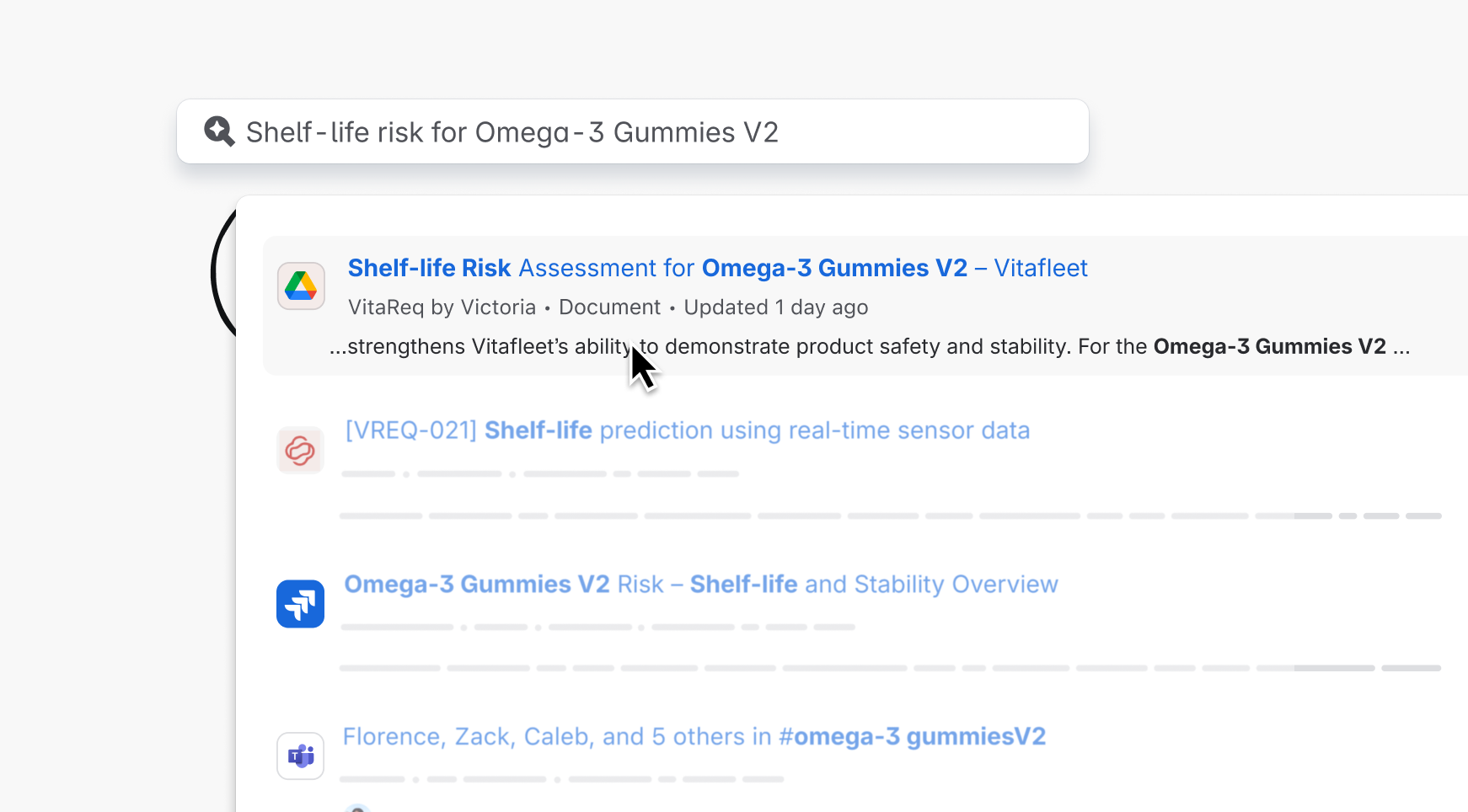
Connect Google Drive to Teamwork Graph
A Teamwork Graph connector to add Google Drive data to Atlassian's Teamwork Graph.
Requirements and best practices
Connector requirements and best practices
Learn the requirements and best practices for developing trusted connectors, declaring capabilities, documenting your connector, and handling data deletion.
Rate this page: