Ways to integrate with Teamwork Graph
There are two main ways to integrate with Teamwork Graph: accessing data via the Teamwork Graph API, or adding data to Teamwork Graph using connectors.
Currently, an app can either call the Teamwork Graph API or provide a custom connector, but it can't do both at the same time.
Accessing data in Teamwork Graph (EAP)
The Teamwork Graph API is available through Forge's Early Access Program (EAP).
EAPs are offered to selected users for testing and feedback purposes. These features are unsupported and are subject to change without notice.
You must only install apps that call the Teamwork Graph API in test organizations. Apps calling
the Teamwork Graph API require the read:graph:jiraor read:graph:confluence scope, which provides access to Teamwork Graph
data across your entire organization. While apps still respect end-user permissions, this scope may
grant access to sensitive information. For safety, only install these apps in organizations with test
data unless you have an approved path to production.
Additionally, this EAP has significant limitations. To review the full list of limitations, see Limitations and considerations.
You must be part of this EAP in order to use the Teamwork Graph API. Express interest in joining through this form.
The Teamwork Graph API lets your apps access objects and relationships in the graph, giving you a single, consistent view of data from Atlassian and connected tools. With the Teamwork Graph API, you can:
- Query the graph for objects and relationships.
- Build apps that leverage unified data for analytics, reporting, workflow automation, and AI-powered features.
Adding data to Teamwork Graph (EAP)
Teamwork Graph connectors are available through Forge's Early Access Program (EAP).
EAPs are offered to selected users for testing and feedback purposes. We are currently working with a select group of EAP participants to get their apps production-ready and available for publishing on Marketplace.
If you are interested in joining this EAP, you can express interest through this form.
Teamwork Graph connectors bring data from external apps and tools into Teamwork Graph. Atlassian provides 100 out-of-the-box Teamwork Graph connectors that allow customers to connect popular tools to Teamwork Graph. With the Teamwork Graph connector module (EAP), you can now also build custom Teamwork Graph connectors to connect data from your app or other external tools to Teamwork Graph.
Teamwork Graph connectors work by:
- Extracting data from the source system (e.g. Google Drive, Slack, a custom app).
- Mapping that data to Teamwork Graph's object types and schemas.
- Pushing the data into the graph via bulk APIs, including objects, users, groups, and their relationships.
- Sending permissions and access control lists (ACLs) for each object, so data is secure and only visible to the right users.
Once in Teamwork Graph, this data can be used across Atlassian experiences like Rovo Search, Chat, Agents, and Atlassian Analytics. Note that currently, some experiences require additional configuration or code changes to enable data visibility.
Example apps
Explore working examples to see how to integrate with Teamwork Graph:
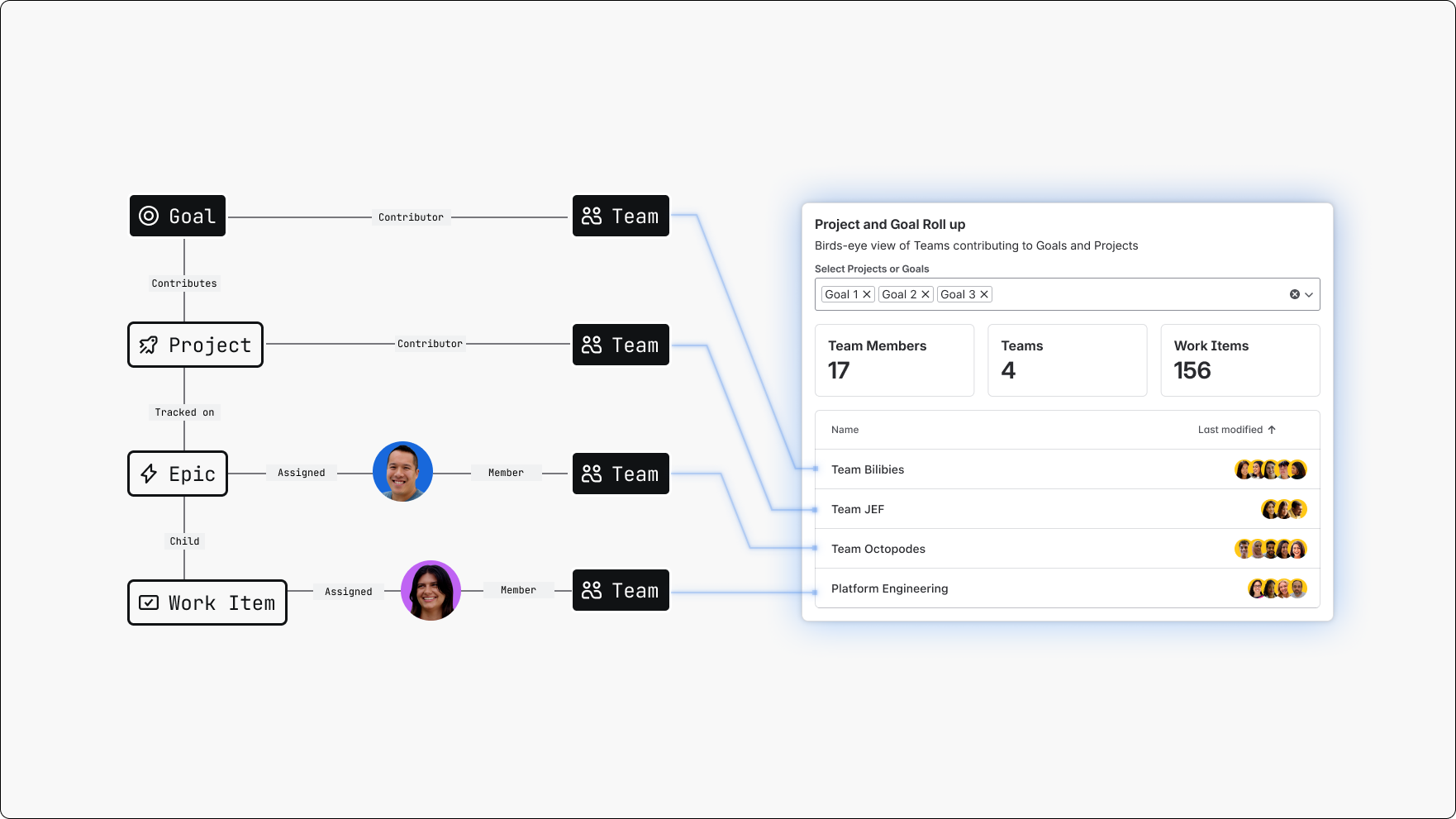
Forge Teamwork Graph Dashboards Widget
Atlassian Home Dashboards widget that track work contributions and project/goal rollups across multiple tools using Teamwork Graph.
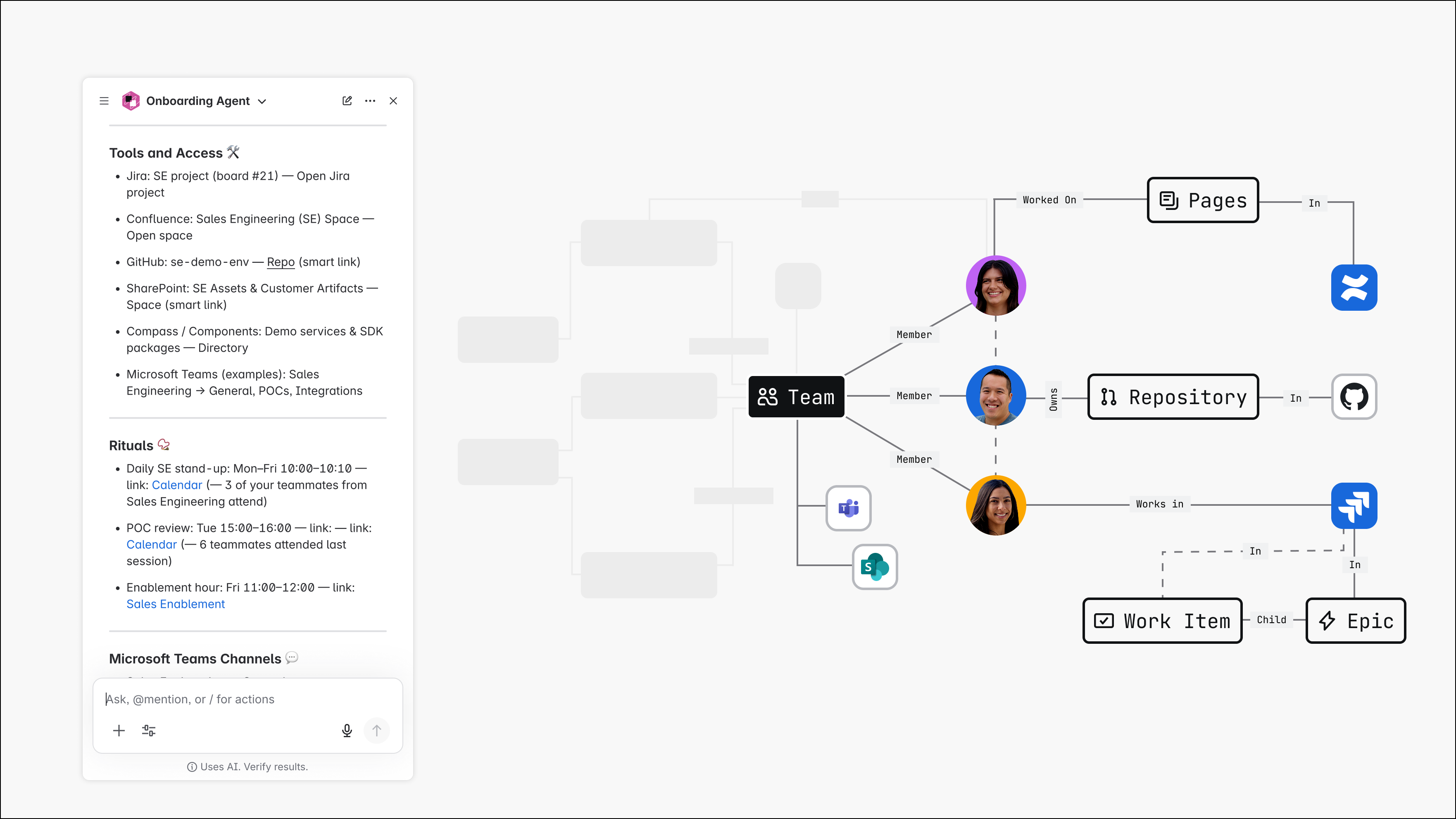
Teamwork Graph-powered Onboarding Assistant
A Rovo agent that queries Teamwork Graph to gather team resources and onboard new starters.
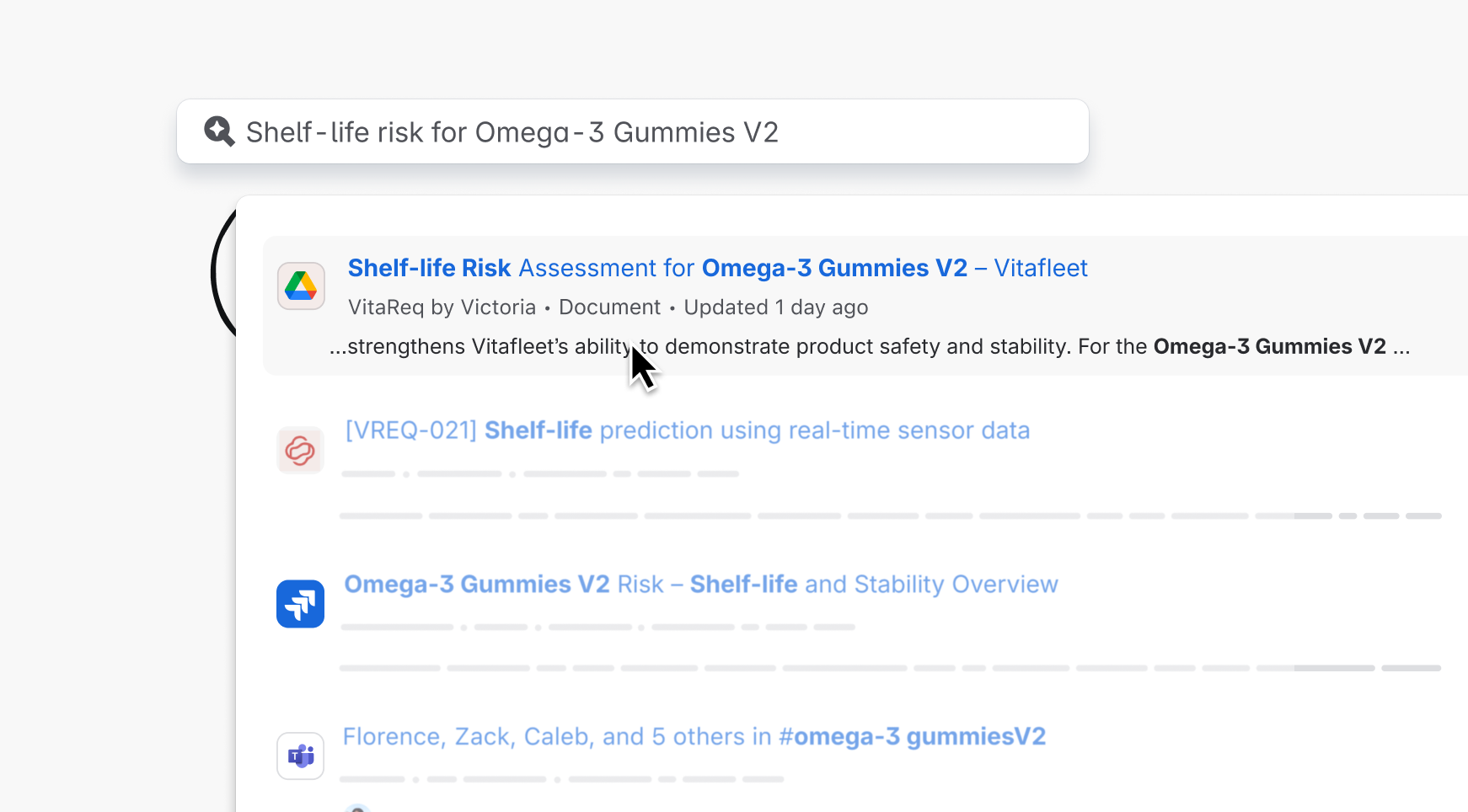
Connect Google Drive to Teamwork Graph
A Teamwork Graph connector to add Google Drive data to Atlassian's Teamwork Graph.
Rate this page: