Ways to integrate with Teamwork Graph
There are two main ways to integrate with Teamwork Graph: accessing data via the Teamwork Graph API, or adding data to Teamwork Graph using connectors.
Accessing data in Teamwork Graph
The Teamwork Graph API is available through Forge's Preview release phase.
Preview features are available to all users and receive the same level of support as generally available features. Schemas, fields, and behavior may still change before general availability (GA), and breaking changes are subject to a minimum 1-month deprecation notice, announced in the Teamwork Graph changelog.
To review the current limitations, see Limitations and considerations.
To share feedback or report an issue, visit the Atlassian developer community.
The Teamwork Graph API lets your apps access objects and relationships in the graph, giving you a single, consistent view of data from Atlassian and connected tools. With the Teamwork Graph API, you can:
- Query the graph for objects and relationships.
- Build apps that leverage unified data for analytics, reporting, workflow automation, and AI-powered features.
Adding data to Teamwork Graph
Teamwork Graph connectors bring data from external apps and tools into Teamwork Graph. Atlassian provides 100 out-of-the-box Teamwork Graph connectors that allow customers to connect popular tools to Teamwork Graph. With the Teamwork Graph connector module, you can now also build custom Teamwork Graph connectors to connect data from your app or other external tools to Teamwork Graph.
Teamwork Graph connectors work by:
- Extracting data from the source system (e.g. Google Drive, Slack, a custom app).
- Mapping that data to Teamwork Graph's object types and schemas.
- Pushing the data into the graph via bulk APIs, including objects, users, groups, and their relationships.
- Sending permissions and access control lists (ACLs) for each object, so data is secure and only visible to the right users.
Once in Teamwork Graph, this data can be used across Atlassian experiences like Rovo Search, Chat, Agents, and Atlassian Analytics. Note that currently, some experiences require additional configuration or code changes to enable data visibility.
Example apps
Explore working examples to see how to integrate with Teamwork Graph:
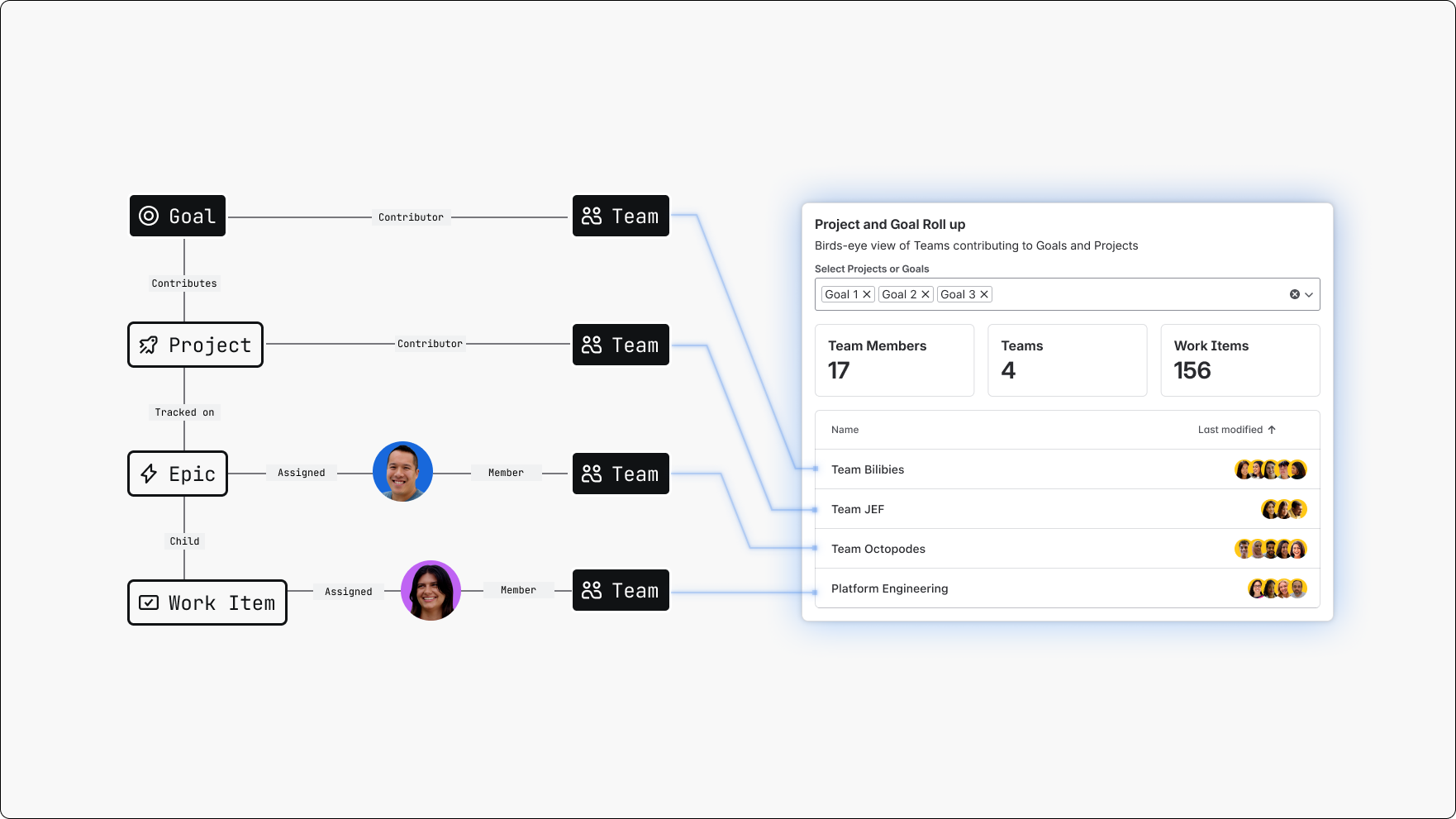
Forge Teamwork Graph Dashboards Widget
Atlassian Home Dashboards widget that track work contributions and project/goal rollups across multiple tools using Teamwork Graph.
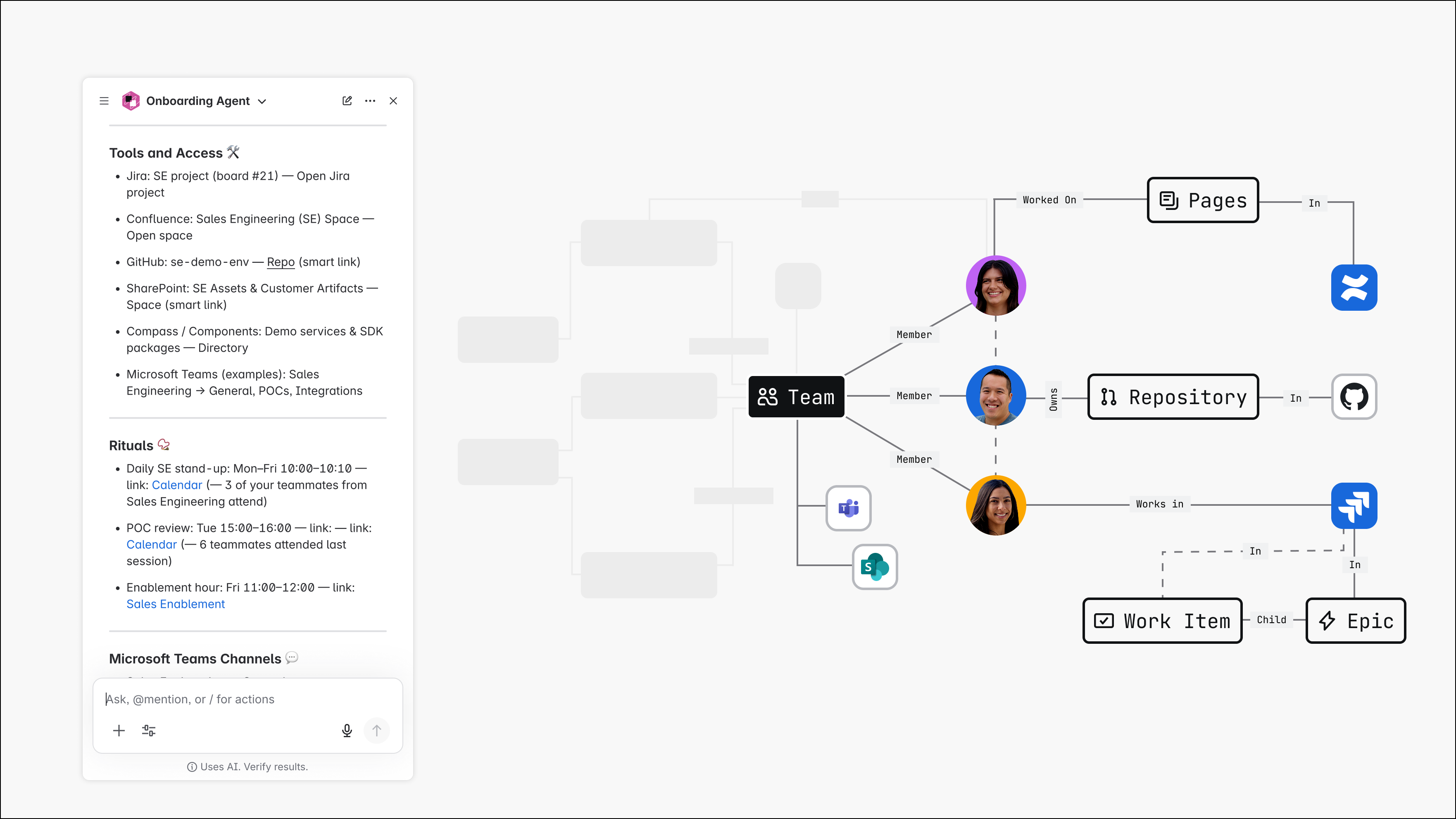
Teamwork Graph-powered Onboarding Assistant
A Rovo agent that queries Teamwork Graph to gather team resources and onboard new starters.
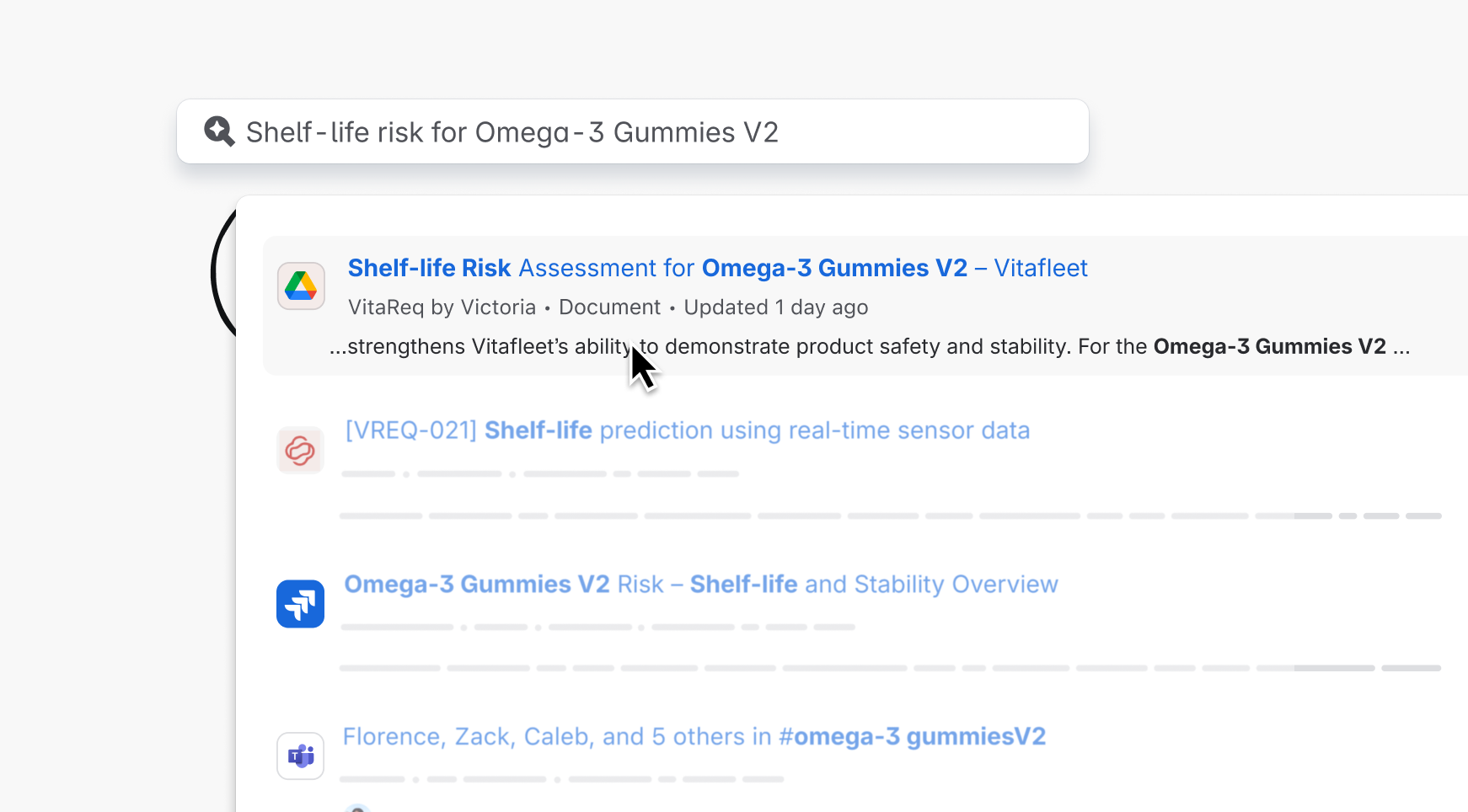
Connect Google Drive to Teamwork Graph
A Teamwork Graph connector to add Google Drive data to Atlassian's Teamwork Graph.
Rate this page: