View app rollouts
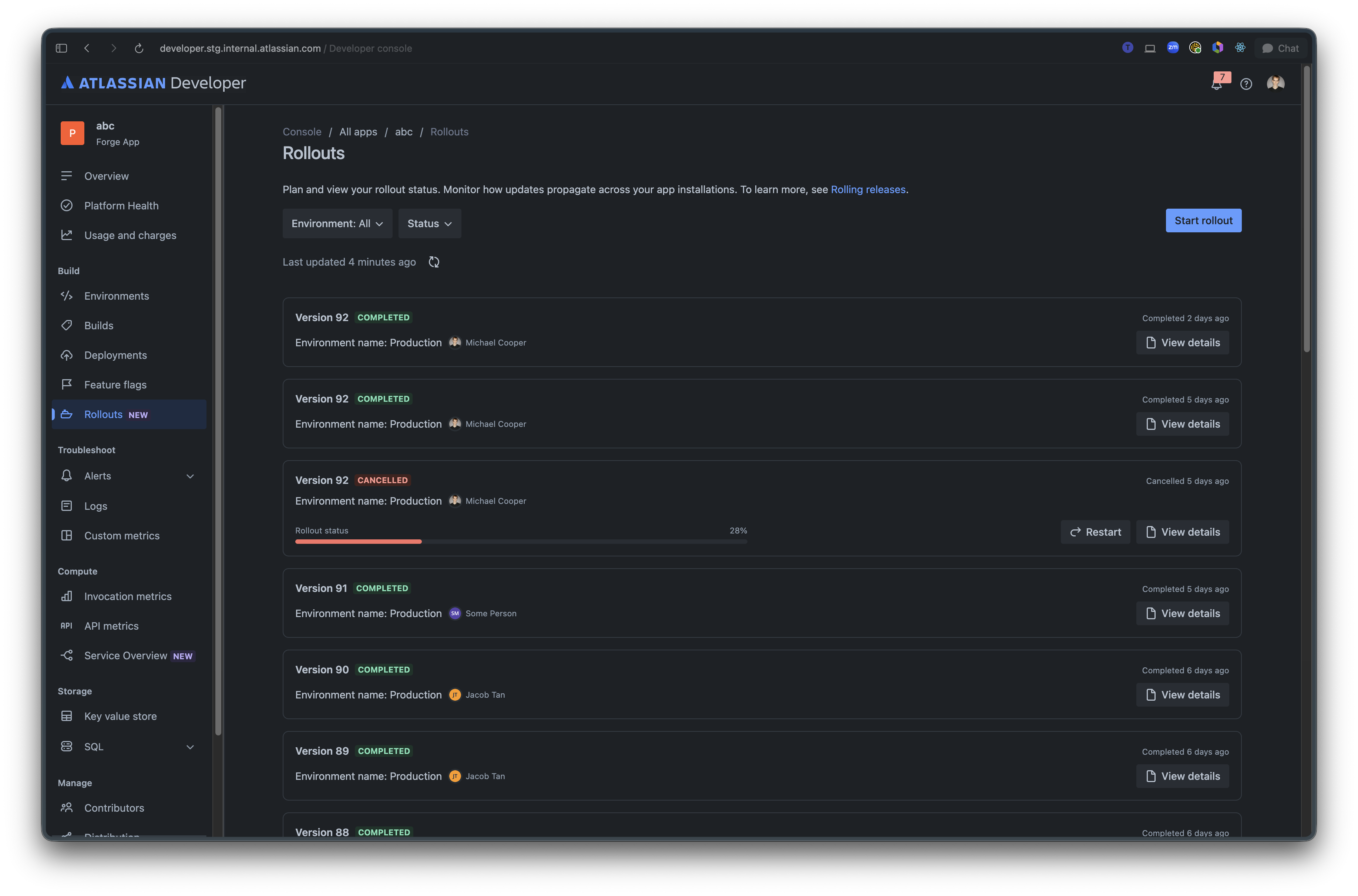
You can view rollout status for app versions in Developer Console. This helps you monitor how updates propagate across your app installations, check rollout progress, and review failure rates.
For more information about preparing apps for code rollouts, see Rolling releases.
View app rollouts
To view app rollouts:
- Access the developer console.
- Select your app.
- In the left menu, select Rollouts.
The screen shows rollouts across environments. Use the Environment and Status filters to refine the list. Each rollout shows its version, environment, rollout status, rollout progress, available actions, and a View details link for in-progress or completed rollouts.
View rollout details
To inspect an in-progress or completed rollout, select View details. The rollout details page shows rollout status, installation and error metrics, installation eligibility, ineligible versions, and the rollout timeline.
Rate this page: