Import customer context data with a Forge app
This guide provides a high-level overview of building a Forge app that imports customer context data (such as organizations, customers, and entitlements) from external systems (for example, HubSpot, Zendesk, or Salesforce) into Customer Service Management on the installation's site.
It explains the core responsibilities of the app and how Forge supports them. It does not provide step-by-step implementation instructions.
For detailed guidance on import workflows, field mappings, and source-specific API usage, see the Customer Service Management integration guides:
Extension points to use
We recommend a two-module approach that separates one-time administrator configuration from the per-project import experience.
Admin configuration
Use the jira:adminPage module to provide a configuration UI in Jira's administration area, where an administrator can enter credentials and any source-system options needed for the import.
Credentials and configuration should be stored securely using a Forge storage API such as @forge/kvs.
Import experience
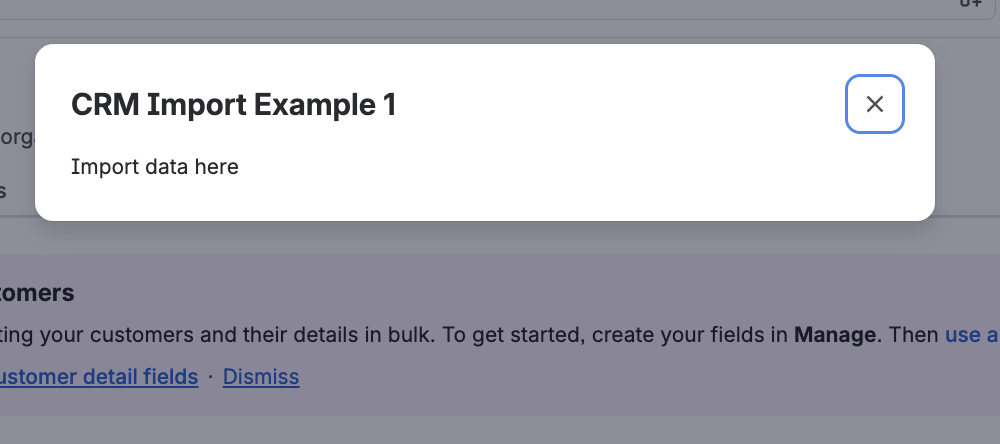
Use the customerServiceManagement:crmImport module to render the import experience as a modal triggered from the Manage dropdown on the Customers, Organizations, and Products pages within the customer directory of the Customer Service Management (CSM) app.
The modal reads the credentials and configuration saved by the admin page, fetches data from the external source, and invokes the Customer Service Management bulk APIs to write that data to the destination.
What the app needs to do
For end-to-end functionality, the app must provide the following capabilities. Implementation details are up to you.
Connect to the external source
The app must securely connect to the external system (for example, HubSpot, Zendesk, or Salesforce) to read customer context data.
- Source: The external system provides the data. Connection details (URL, API keys, OAuth settings, etc.) are configured in your app and stored securely.
- Destination: The site where the Forge app is installed. The app writes the imported data to Customer Service Management (CSM) using its bulk APIs.
As the developer, you choose the authentication mechanism appropriate for each source (for example, API key or OAuth) and handle its lifecycle. Use the credentials configured in the admin page.
Map source data to CSM
Data mapping must follow the integration guide for each external service. Source systems and the destination model use different field names and structures, so direct copying is not sufficient.
Out-of-the-box mappings for HubSpot, Zendesk, or Salesforce should align with the referenced integration guides.
Alternatively, the app can allow administrators to configure mappings themselves, either fully custom or as a hybrid where predefined mappings can be reviewed and modified.
The app must apply the final mapping when constructing payloads for the Customer Service Management (CSM) bulk APIs.
Import status
The app should track the status of each import and surface progress and errors to the user, following the integration guides for source-specific behaviour.
Next steps
- Use the Customer Service Management documentation and integration guides (HubSpot, Zendesk, Salesforce) for source-specific steps, field mappings, and bulk API usage.
- See the customerServiceManagement:crmImport and jira:adminPage module references, and the manifest reference for configuration details.
Rate this page: